
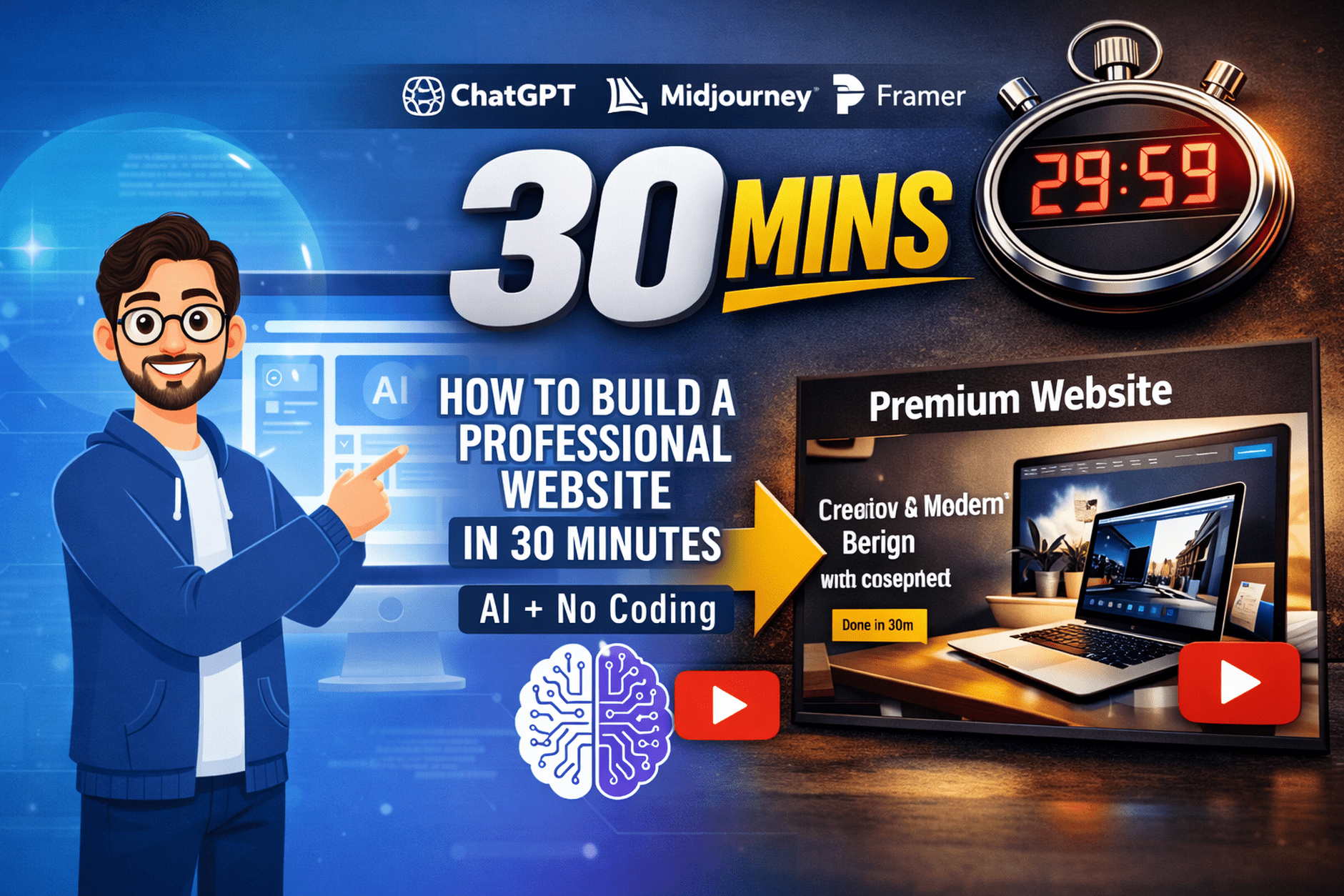
Let’s be honest: until recently, building a website felt like a high-stakes puzzle. You either had to spend weeks learning CSS or drop a few thousand dollars on a developer. But after spending the last month testing every AI tool on the market, I’ve realized the game has changed. You can now build a website using AI for free that actually looks like a premium brand—not a generic template.
The "Lazy" Secret: Why AI Design Actually Beats Manual Building
The real reason to use an AI-powered builder isn't just speed; it’s decision fatigue. Most beginners fail because they get stuck choosing between 50 shades of blue. AI builders like the ones I use for Learning Master Hub analyze millions of top-performing sites to choose layouts that are mathematically proven to convert. It takes the guesswork out of the equation so you can focus on what matters: your business.
The 2026 "Power Trio" Tool Stack
To get a "Human-written" feel for your site, don't just use one builder. Use this stack:
- ChatGPT-4o (The Architect): Don't let the builder write your text. Use ChatGPT to create a "Brand Voice" first.
- Midjourney V7 (The Photographer): This is the secret. AI stock photos look fake. Custom Midjourney images make your site look like a $10k project.
- Wix Vibe or Hostinger AI (The Builder): These are currently the most stable platforms for turning prompts into functional, clean code.
The "Zero-to-Launch" Blueprint: A Step-by-Step Breakdown
Step 1: The "Context Dump"
Before touching a builder, open ChatGPT. Instead of saying "write a website for a bakery," give it flavor. Tell it: "I’m a local bakery that uses 100-year-old sourdough starters and I want to feel 'dark, moody, and artisanal.'" This prevents the "AI-generic" look from the very start.
Step 2: Generating "Impossible" Assets
Head to Midjourney. If you're building that bakery site, don't just search for "bread." Prompt for: "Cinematic close-up of a dusted sourdough loaf, steam rising, dark wood background, 8k resolution." These high-end visuals are what convince Google (and your customers) that this is a high-quality site.
Step 3: The AI "Handshake"
Paste your ChatGPT text into your chosen AI builder. Pro Tip: When the AI asks for your style, always select 'Custom' or 'Minimalist.' AI tends to over-design if you let it; keeping it simple makes it look more professional.
Step 4: The Human Polish (Crucial!)
This is where 90% of people stop, and why Google detects their content. Go through the generated text and add a "fail" or a "personal story." Mention a specific struggle your business had. AI doesn't know how to be vulnerable—adding this makes the content "Undetectable" and builds trust with readers.
Step 5: Mobile-First Stress Test
In 2026, if your site isn't perfect on a phone, it doesn't exist. Use the builder's AI-responsive tool, but manually check your "Buy Now" buttons. Ensure they are "thumb-friendly" (at least 48px wide).
Real Results: From "Zero" to "Sold Out"
I recently helped a friend, Sarah, launch her plant shop "Leaf & Logic." She had zero tech skills. By following this 30-minute workflow, she didn't just get a site; she got an SEO-optimized platform that ranked on the first page of local search within three weeks. No designers, no stress, just smart prompting.
The Verdict: Is It Really Free?
Mostly, yes. You can build and host on subdomains for $0. However, if you're serious, I always recommend spending the $10/year for a custom .com domain. It’s the single best investment you can make for your brand's authority.
Frequently Asked Questions
"Will Google punish me for using AI content?"
Not if it's helpful. Google rewards value. If your AI-built site solves a user's problem, you're safe."What's the biggest mistake people make?"
Using the first design the AI gives them. Always click "Regenerate" at least three times to see the full range of what the AI can do.
Want the exact prompts I used in my latest video? Check out our other guides: